
Facebook Viewer
Use our Facebook viewer to view public Facebook profiles, pages, and profile pictures online. Enter a public Facebook profile or page link and check available public information quickly and easily.
In 2026, Facebook remains one of the world’s most popular social media platforms, with millions of public profiles, pages, and communities accessed every day. Our Snapdl Facebook Viewer helps you view publicly available Facebook profiles, pages, and profile pictures quickly and easily without complicated steps or software installation.
Whether you want to check a public Facebook profile, browse a page, or view publicly available profile information, our tool provides a simple and user-friendly experience. Just enter a Facebook profile or page URL to access available public content online from your mobile phone, tablet, or desktop browser.
Viral Tool: Reddit Image Viewer
How to Use the Facebook Viewer
Using our Facebook Viewer is simple. Enter a Facebook username or profile link, view the available public details, and download public images or media with just a few clicks.
Step 1
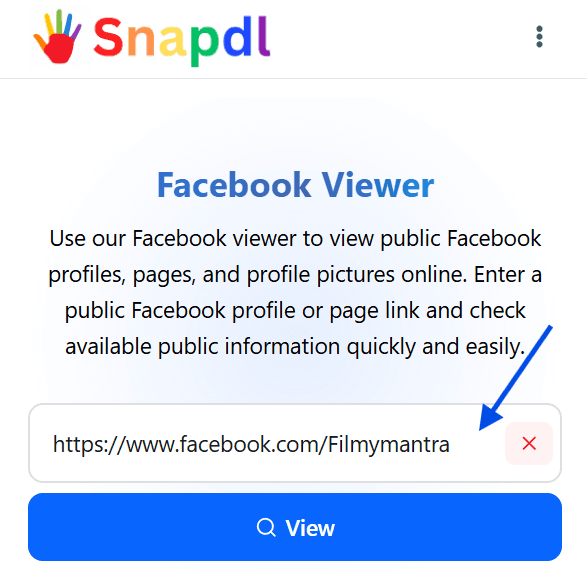
Enter the Username or Profile Link
Paste the Facebook username or profile URL into the search box.
Step 2
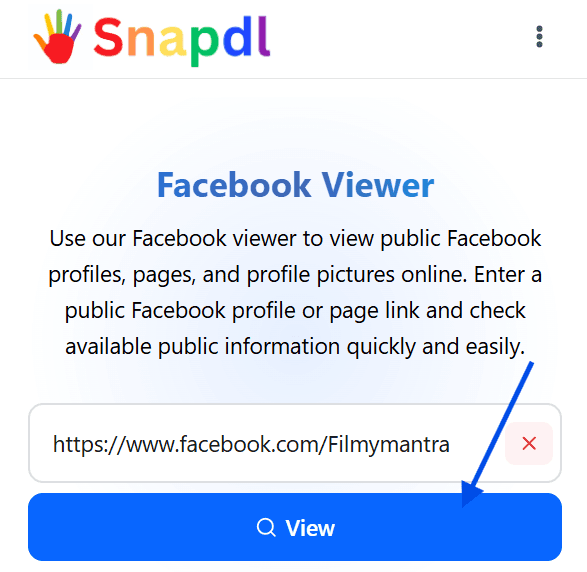
Click the View Button
Click the View button to load the available public profile details.
Step 3
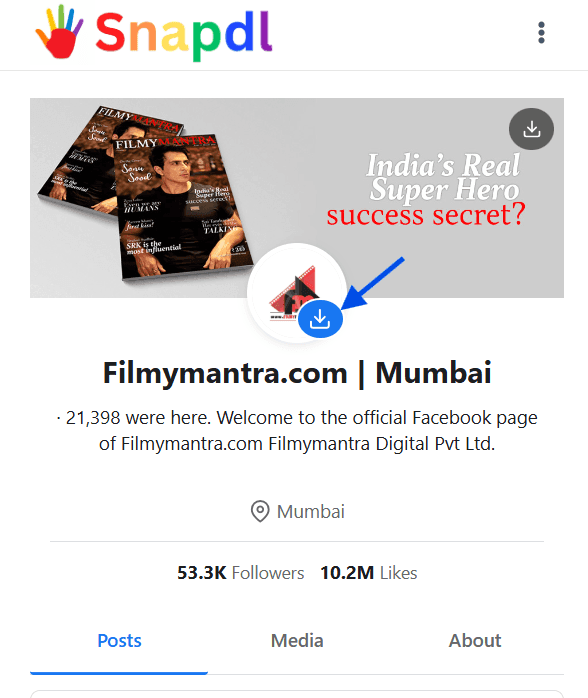
Download the Cover Photo
Click the download icon on the cover photo to save it to your device.

Step 4
Download the Profile Picture
Click the download icon on the profile picture to download the photo.
Step 5
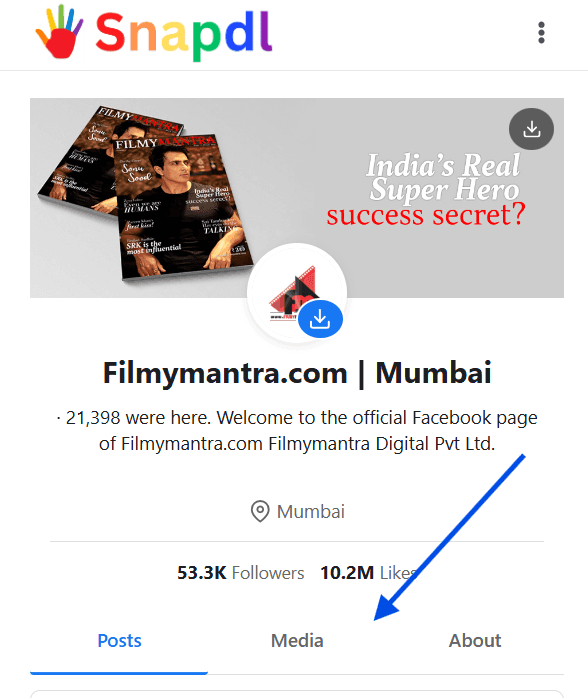
Explore Posts, Media, and About Tabs
Below the profile section, you will see three tabs: Posts, Media, and About. Use these tabs to browse available public content.

Step 6
View Posts and Download Media
In the Posts tab, you can view public posts. If media is available, click the Download button to save it.
Step 7
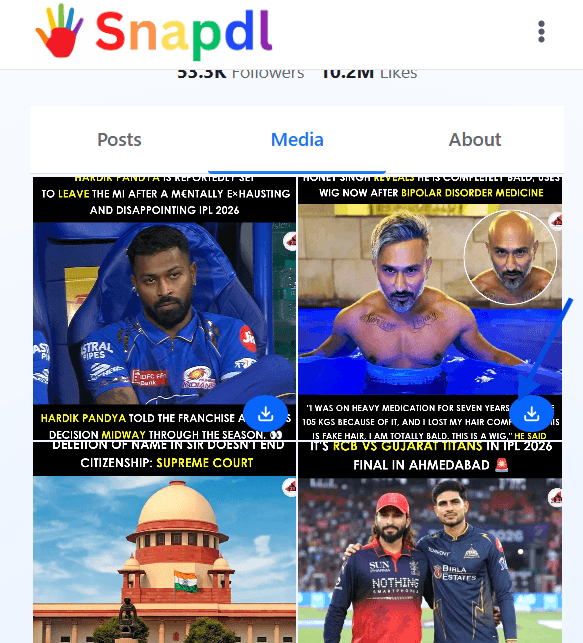
Browse Media in Grid View
In the Media tab, you can view all available public images and videos in a clean grid layout. Click the download icon on any image or video you want to save.
Step 8
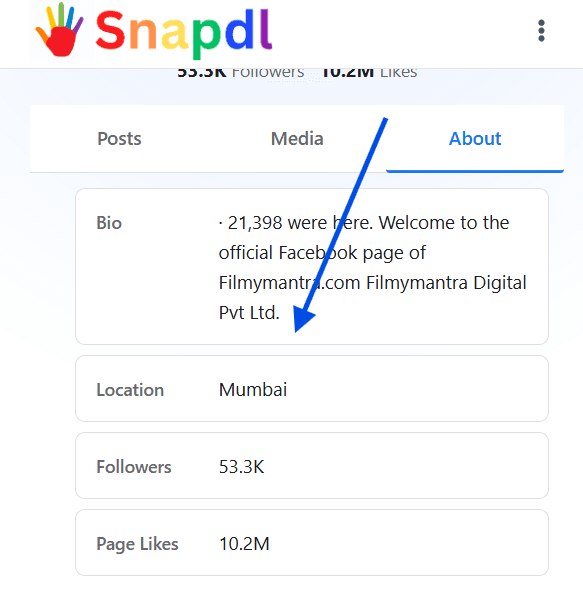
View Profile Details
In the About tab, you can check available public profile details and basic information.
Step 5
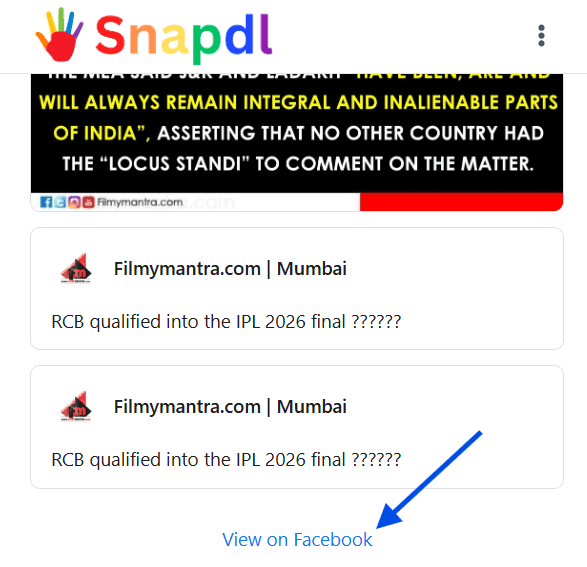
Open the Profile on Facebook
Click the View on Facebook link to open the original profile directly on Facebook.
Facebook Profile Viewer Online
Our Facebook Profile Viewer Online helps you view publicly available Facebook profile details in a simple way. You can enter a Facebook username or profile link, click the view button, and check the public information that is available from that profile.
This tool is useful when you want to view Facebook profile content without going through complicated steps. You can check public posts, media, profile details, and available profile information from one easy interface.
You can also check our other tools to explore more Facebook content. Tools like Facebook profile picture downloader and Facebook reels downlaoder are also great if you want to enjoy Facebook at its peak.
Facebook Profile Picture Viewer
The Facebook Profile Picture Viewer allows you to view and download publicly available profile pictures. After entering the Facebook profile link, the tool can display the profile picture if it is publicly accessible.
You can click the download icon on the profile picture to save it to your device. This is helpful when you want to view a clear version of a public Facebook profile photo quickly and easily.
More Profile Picture Tools: Instagram Profile Viewer
Key Features of Our Facebook Viewer
View Public Facebook Profiles
View available public profile details by entering a Facebook username or profile link.
Facebook Profile Picture Viewer
View and download publicly available Facebook profile pictures with one click.
Download Cover Photos
Save available public Facebook cover photos directly to your device.
Browse Media in Grid View
View public images and videos in a clean grid layout for easier browsing.
View Posts, Media, and About Details
Explore public posts, media files, and basic profile information in separate tabs.
Open Profile on Facebook
Open the original Facebook profile directly on Facebook for more details.
Anonymous Facebook Viewer for Public Content
Our Anonymous Facebook Viewer is designed for viewing public Facebook content without a complicated login process. You can enter a public Facebook profile or page link and view available public details, posts, images, videos, and profile information.
This tool does not unlock private content or bypass Facebook privacy settings. It only helps users access content that is already publicly available.
What This Tool Can and Cannot Show
This Facebook Viewer can show publicly available profile details, profile pictures, cover photos, posts, images, videos, and basic information when they are accessible. It can also provide a direct link to open the original profile on Facebook.
This tool cannot show private profiles, hidden posts, restricted photos, private account data, locked content, messages, friend-only posts, or anything protected by Facebook privacy settings. If a profile or media is private, unavailable, or restricted, the tool cannot access it.
More Tools: Snapchat Video Downlaoder
Other Snapdl Tools
Instragram Profile Viewer
Browse public Instagram profiles privately without logging into your Instagram account.
Instagram Private Viewer
Browse private Instagram profiles privately without logging into your Instagram account.
Facebook Reel Downloader
Download Facebook Reels videos, MP3 audio, and thumbnails online without installing any app or creating an account.
Snapchat Story Viewer
View Snapchat profiles and stories anonymously online without logging in, installing an app, or creating an account.